Google Antigravity: The Future of AI-Powered Code Editing
What is Google Antigravity?
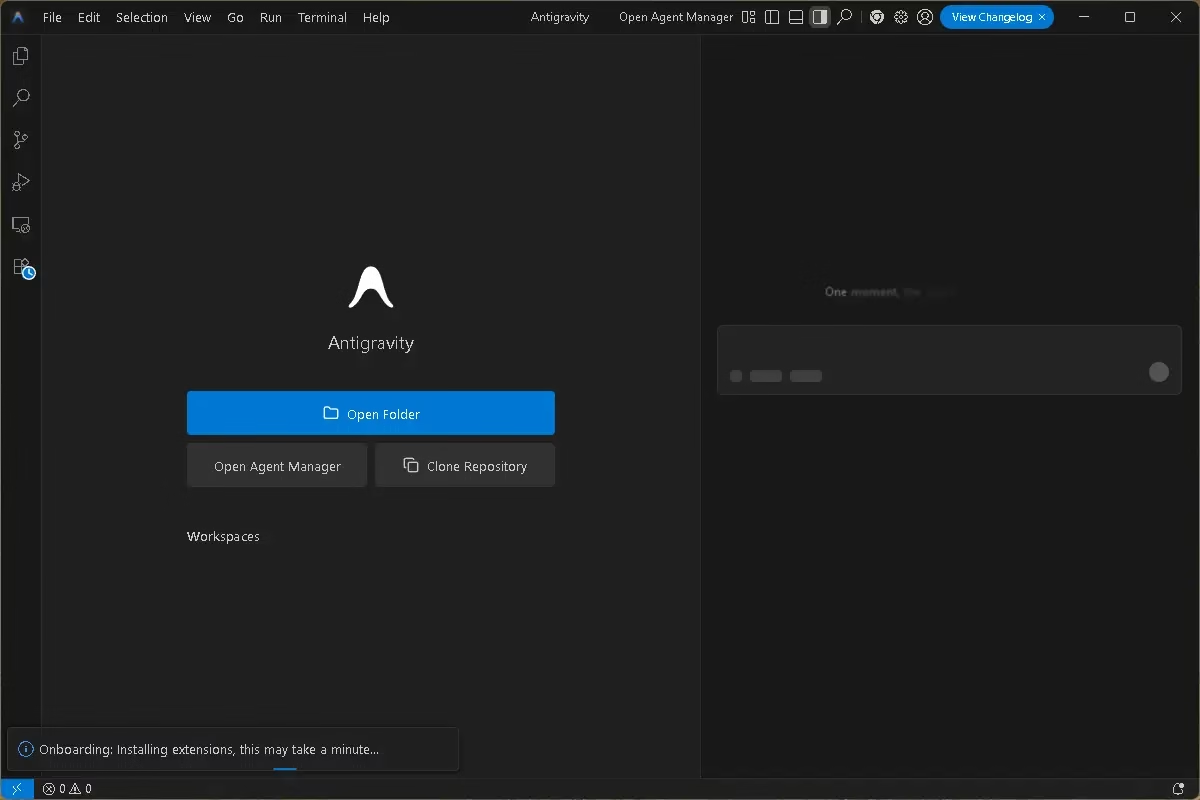
Antigravity is a novel yet familiar AI-powered programming environment at its heart. It keeps the usual layout that developers use, with files on the left and code in the middle. But it adds a powerful “AI Panel” on the right.
Unlike standard IDEs where the AI waits for you to type, Antigravity’s agents are proactive. You can assign them a task, and they will:
Understand your instruction
Create a complete implementation plan
Write the required code
Run the code in a built-in terminal
Test the results in a built-in browser
Fix errors and iterate automatically
This moves AI coding far beyond simple autocompletion and into AI-driven software automation.
Beyond Autocomplete: True Autonomy
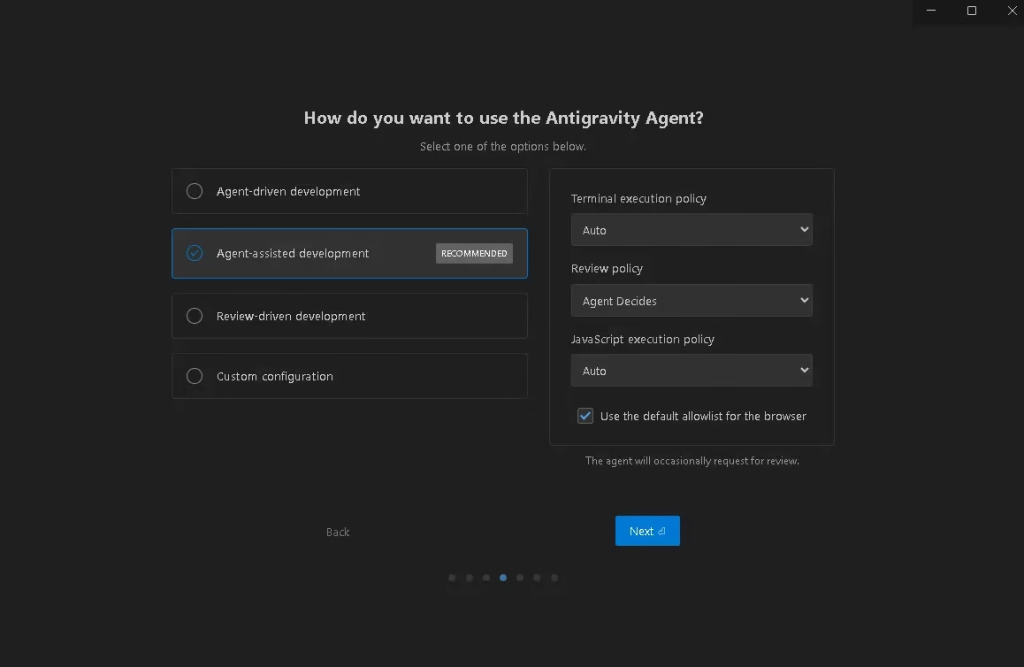
The biggest differentiator for Antigravity is its ability to “think” through a problem. Instead of just suggesting a function, the agents break down complex instructions into a series of logical steps.
For example, if you ask an agent to “create a login page,” it doesn’t just dump HTML code. It might spin up a local development server, write the front-end code, launch the app in the built-in browser to see if it renders, and then run tests to ensure the buttons work—all on its own.
Artifacts: Trust, But Verify
The concept of artifacts is revolutionary. Coding “behind your back” is a scary thought for autonomous agents. Google gets around this by making all of the AI’s processes fully visible.
As the agents do their jobs, they leave behind Artifacts, which are physical proof of what they did. These are:
Implementation Plans: A roadmap of what the AI intends to do.
Task Lists: Checklists of completed steps.
Screenshots & Recordings: Visual evidence from the built-in browser showing the AI testing the app.
By carefully reviewing the workflow using these artifacts, you can find errors early and keep complete command of the project.
Why Developers Should Pay Attention
Google Antigravity is a game-changer for developers:
✔ Autonomous task execution
Let the AI do the hard work while you work on creativity and architecture.
✔ Full transparency
The use of artifacts facilitates the trust, verification, and correction of AI choices.
✔ Ideal for frontend, backend & full-stack projects
Everything from launching servers to testing user interface flows is taken care of by it.
Why Switch to Antigravity?
Antigravity provides a frictionless experience if you are sick of nitpicking AI chat windows and transferring codes between them. The enigma surrounding AI formation is therefore eliminated. What you’re really overseeing is an intelligent agent that can demonstrate its progress visually, not a mere black box.
The ability to view the AI’s “thought process” via validated artifacts is a huge time saver when developing any kind of system, from basic web apps to complicated ones.
📥 Download Google Antigravity
Ready to experience the future of coding? You can download the stable release of Google Antigravity for Windows using the link below.
- Official Website: antigravity.google
- Download Installer: Google Antigravity (Windows x64)
Final Thoughts: A Glimpse into the Future of AI Development
Google Antigravity is more than just another AI tool; it’s a whole new way of developing software. Developers can now work with AI in a more natural, regulated, and productive way thanks to autonomous agents, clear artifacts, and an intelligent IDE interface.
This could be the future of software engineering.
Share on FacebookPost on XFollow us