AnyMP4 WhatsApp Transfer Features:
- Transfer WhatsApp data with a Single Click Between Multiple iPhones.
- WhatsApp data can be backed up and restored in a simpler way.
- It makes it easy to export WhatsApp messages from an iPhone to HTML or CSV.
- With a password, you can keep your personal WhatsApp data safe.
- In one click, you can move chats, contacts, photos, and media files from one iPhone to another.
- Compatible with iPhone 13, 12, 11, XS, XR, X, 8, 7, SE, 6, etc., running iOS 15 and earlier versions.
AnyMP4 WhatsApp Transfer for iOS Giveaway:
To get this $25.95 worth of software for free, visit this
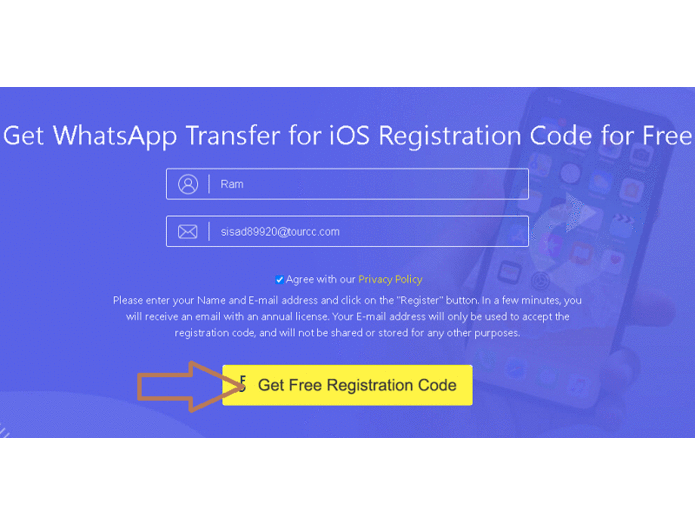
Enter your name, and email address, agree to policy terms (check the box) and click the “Get Free Registration Code” button.
Check your email inbox.
You’ll get an email from “registration@anymp4.com” with a registration code or license code; copy it.
Download the installer or setup file from the developer’s website at https://www.anymp4.com/download.
Run the installer, finish the installation process, and launch the app.
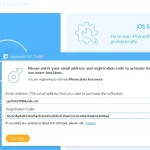
You will notice an activation window, click the “Register” button.
Next, in the Registration status window, you will notice the “WhatsApp Transfer for iOS” function.
Click “register”, enter your email id, and registration code, and hit the “Ok” button.
Like this