PDNob Image Translator Features:
Screen Shot and Recognizes text on your PC Screen.
Hot Key: ALT+CTRL+Z (Windows)/ Command+1 (Mac)
Convert Images to Text- Pull and copy text from Images
Convert PDF to Text – Copy text from PDF
Translates scanned documents.
Batch OCR
Supports OCR for the languages Bulgarian, Chinese, English, French, Italian, Japanese, Korean, Portuguese, Portuguese, Serbian, and Traditional Chinese.
Operating Systems: Windows 7-11 and MacOS 12 and later are supported.
Get PDNob Image Translator Free for 1 Month:
Visit this .
Simply provide your email address and then hit the “Send Code” button. You will get a verification code to your email address, copy the code.
Go to the giveaway page, enter the verification code, and then click the “Get Now” button.
Next, you will receive a second email from PDNob. In that email, click the “Set Password” button.
Just type a password (twice) and click “Submit” to finish creating your account password.
Download the software from here: Windows / macOS
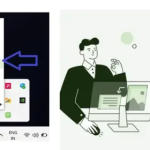
Install the software, and launch it. On Windows, the app icon sits in the system tray, click the icon and select “Login”.
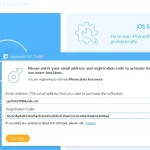
Enter your email address, and password and click “Login” to unlock the full version.
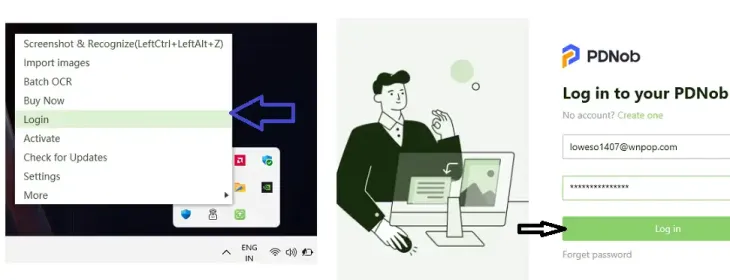
Like this: